By OmniRoom Editorial Team
Selling furniture online comes down to one thing: helping shoppers picture your product in their home. Learning how to create lifestyle photos for furniture used to mean renting a studio, hiring a photographer, and spending thousands per shoot. Today, AI furniture staging tools let you do it in minutes for a fraction of the cost. This guide walks you through both the traditional route and the modern AI-powered method so you can pick what fits your budget and catalog size.
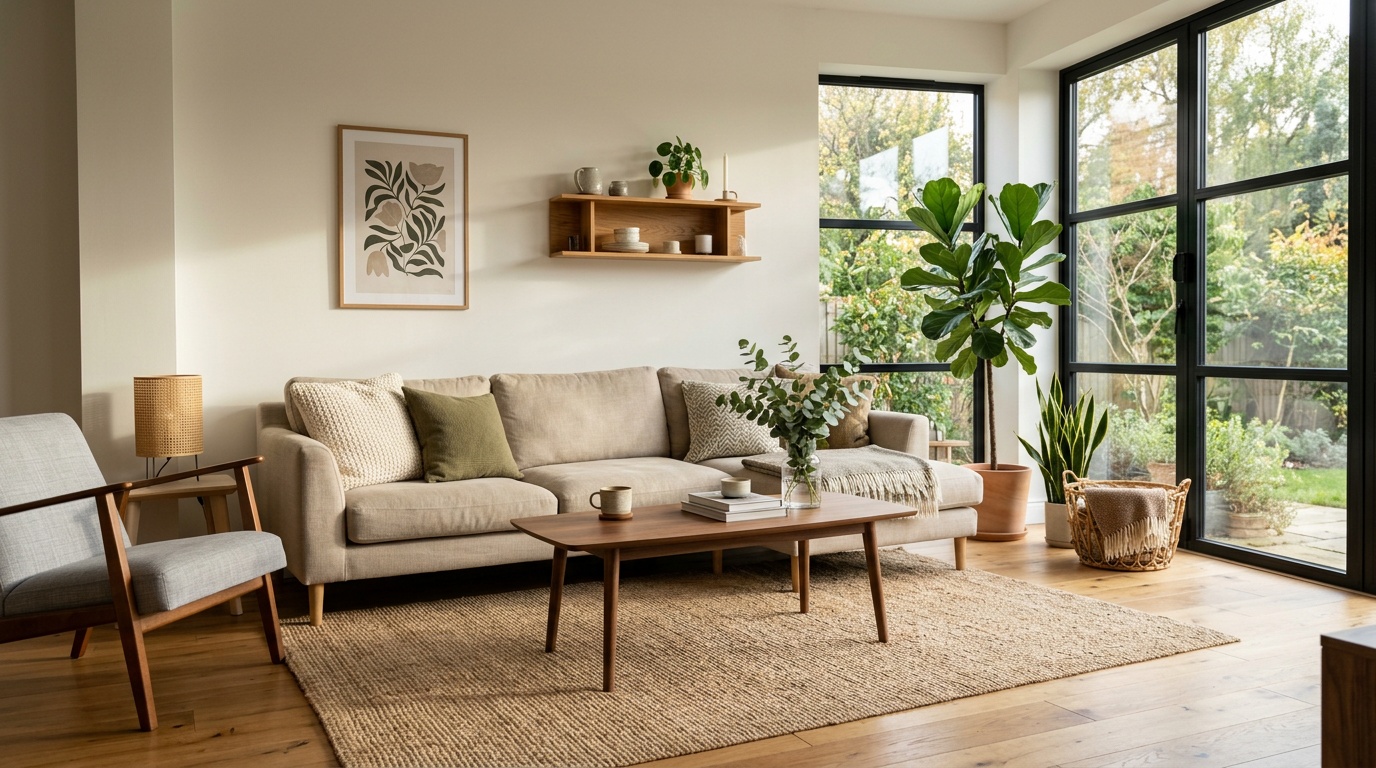
Quick Answer: How Do You Create Lifestyle Photos for Furniture?
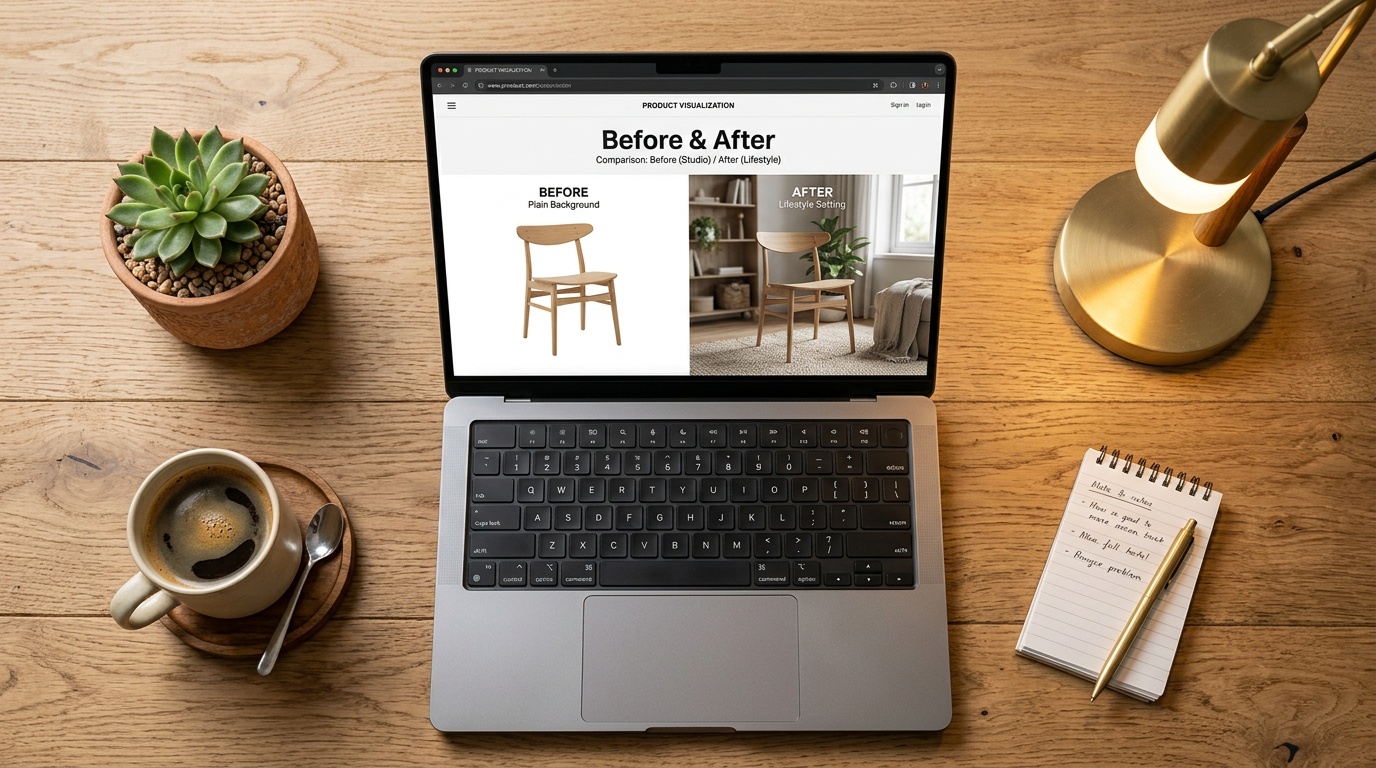
Take a clean product photo on a plain background, then use an AI furniture staging tool like OmniRoom to place it into a realistic room scene. The AI handles lighting, shadows, and perspective automatically. You get marketplace-ready lifestyle images in under a minute, without a physical photoshoot. This works for Amazon, Shopify, Wayfair, Etsy, and any other platform that accepts standard image formats.
Why Lifestyle Photos Sell More Furniture
White-background product shots tell shoppers what an item looks like. Lifestyle photos tell them how it feels in a room. That emotional connection drives purchases, and the data backs it up.
The Conversion Numbers
Ecommerce product pages that combine studio and lifestyle photography see around a 30% uplift in conversion rates compared to studio-only listings. A UK homeware brand reported a 35% conversion increase and 48% lower return rates after adding lifestyle scenes to their furniture listings.
Listings with more than five images also experience 50% higher conversion rates than single-image alternatives. For furniture sellers, that means filling every available image slot matters. A single white-background photo leaves money on the table.
Why Furniture Needs Context More Than Other Products
Unlike a phone case or a pair of shoes, furniture is a spatial purchase. Shoppers need to judge scale, color coordination, and room fit before they commit. A sofa photographed in isolation gives no sense of how wide it is relative to a coffee table or how its fabric tone works against hardwood floors. Lifestyle photos answer these questions instantly, reducing hesitation and returns.
Marketplace Requirements
Amazon allows up to nine images per listing and recommends at least six, including lifestyle shots in secondary slots. A+ Content, which lets sellers add rich imagery below the fold, can boost sales by 3 to 10%. Wayfair, Etsy, and Shopify storefronts follow similar patterns: more lifestyle context means more trust, higher add-to-cart rates, and fewer returns.
Traditional Method: Staging a Room
Before AI, the only way to get lifestyle furniture photos was to physically stage them. Here is what that process looks like and what it costs.
The Setup
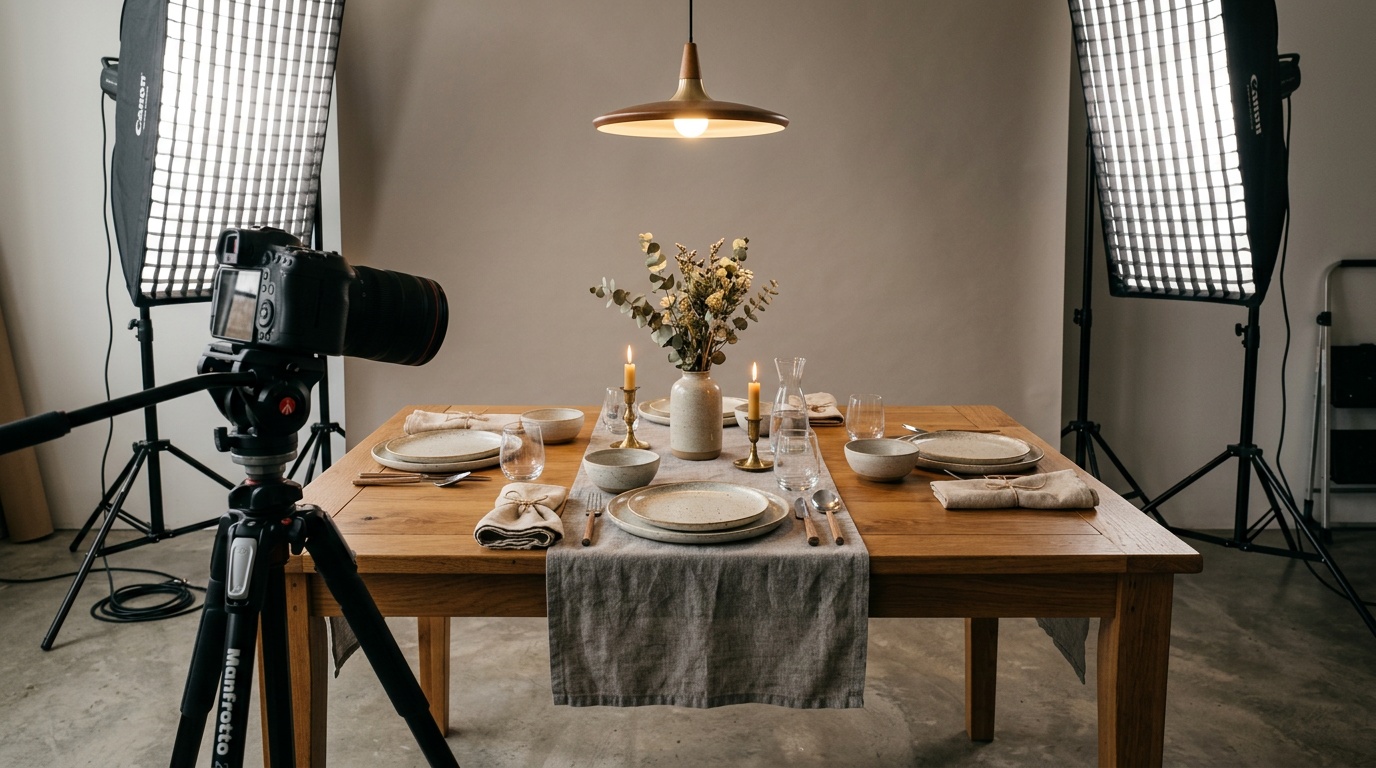
You need a space large enough to build a room scene, backdrop materials, props like rugs, lamps, and plants, plus professional lighting equipment. For large items like sofas or dining tables, you also need extra crew to move and position everything. Most furniture pieces require at least two people to handle safely, and complex scenes like a full living room setup can take an entire day to arrange before a single photo is taken.
The Cost
Professional furniture photographers typically charge significant hourly rates. A full-day shoot for a small catalog of 10 to 15 pieces can easily run into thousands of dollars when you factor in studio rental, props, and post-production editing. Virtual staging services done manually by a designer cost significant per-image fees, which adds up quickly across a full product line.
The Problem: Scale
If you have 50 SKUs and need 3 lifestyle shots each, that is 150 images. At traditional rates, you are looking at weeks of production time and a five-figure budget. Every new product launch means repeating the entire process. Seasonal updates, new colorways, or limited editions multiply the workload further. For most furniture sellers, this simply does not scale.
Generate Lifestyle Furniture Photos with AI
AI-powered furniture lifestyle photo generators solve the scale problem. Instead of physically building a scene, you upload a product photo and the AI places it into a photorealistic room environment. Here is how to do it step by step with OmniRoom.
Step 1: Capture a Clean Source Photo
Photograph your furniture piece against a plain white or light gray background. Use even lighting to minimize harsh shadows. Make sure the entire product is visible and in sharp focus. A smartphone with good lighting works fine for most products, but a DSLR gives you more detail to work with, especially for textured materials like woven fabrics or natural wood grain.
Step 2: Upload to OmniRoom
Go to omniroom.ai and upload your source image. The AI automatically detects the product and separates it from the background. There is no need to manually cut out the furniture or remove the background yourself.
Step 3: Choose a Room Scene
Select from preset room environments or describe the scene you want. For a mid-century modern sofa, you might pick a living room with hardwood floors and warm lighting. For a minimalist desk, a clean home office scene works well. The key is matching the room style to the product category and your target buyer.
Step 4: Generate and Review
The AI composites your product into the scene, matching perspective, lighting, and shadows automatically. Generation typically takes under a minute. Review the output for natural placement, accurate proportions, and consistent lighting direction. If something looks off, try a different scene or adjust the product positioning.
Step 5: Download and Use
Download the final image in high resolution. Upload it to Amazon, Shopify, Wayfair, or wherever you sell. AI-generated lifestyle photos meet standard marketplace image requirements when the output resolution is 1,600 pixels or larger on the longest side. Most AI tools output images well above this threshold.
The Business Impact
Virtual photography providers report around 19% conversion uplift and 90% lower shoot costs when brands switch from traditional studios to AI staging. The AI furniture photography market is growing rapidly as more sellers discover these efficiency gains. For a furniture brand with hundreds of SKUs, this can mean saving tens of thousands of dollars per year while actually increasing image quality and consistency.
Tips for Better AI Furniture Photos
AI tools are only as good as what you feed them. Follow these tips to get the best results from your AI furniture staging workflow.
Start with a Great Source Image
The cleaner your original photo, the better the AI output. Remove clutter from the background, use soft diffused lighting, and shoot from a slight angle that shows depth rather than a flat straight-on view. Avoid wide-angle lens distortion that warps furniture proportions. If possible, capture the product from multiple angles so you can generate lifestyle scenes showing different perspectives.
Match the Scene to Your Audience
Selling on Amazon to budget-conscious apartment renters? Use compact, modern room scenes. Targeting luxury buyers on your Shopify store? Choose spacious interiors with premium finishes. The room context should reflect the lifestyle your customer aspires to, not just any generic background.
Follow Marketplace Image Rules
Remember that Amazon main image must still be on a pure white background. Lifestyle photos go in secondary image slots (positions 2 through 7). Keep output resolution at 1,600px minimum for zoom functionality. Each marketplace has slightly different requirements, so check the specific guidelines for every platform you sell on.
Generate Multiple Variations
Create 3 to 5 different scene options for each product. Test which lifestyle settings drive the highest click-through and conversion rates on your listings. AI makes this experimentation nearly free compared to reshooting in a physical studio, so take advantage of it.
Keep Colors Accurate
Check that the AI output preserves the true color of your furniture. If a walnut table looks too warm or a gray sofa shifts toward blue, adjust your source photo lighting or tweak the scene settings. Color accuracy reduces returns and builds long-term trust with repeat buyers.
Frequently Asked Questions
What is the best way to create lifestyle photos for furniture?
The fastest and most cost-effective method is to photograph your furniture on a plain background, then use an AI staging tool like OmniRoom to place it into a realistic room scene. This approach delivers professional-quality lifestyle images without the expense of physical staging, studio rental, or professional photography crews.
Can you use AI to stage furniture photos?
Yes. AI furniture staging tools analyze your product photo and composite it into photorealistic room environments. The technology handles lighting matching, shadow generation, and perspective correction automatically. The results are suitable for Amazon, Shopify, Wayfair, and other ecommerce platforms.
How do lifestyle photos help sell on Amazon?
Lifestyle photos help shoppers visualize furniture in their own space, which increases purchase confidence. Listings that combine studio and lifestyle imagery see around 30% higher conversion rates. Amazon recommends filling all secondary image slots with contextual photos and allows lifestyle images in positions 2 through 9.
What source photo works best for AI staging?
A well-lit photo on a plain white or light gray background works best. Ensure the entire product is visible, in sharp focus, and shot with even lighting to minimize harsh shadows. Avoid wide-angle distortion that can warp the proportions of your furniture. Higher resolution source images produce better AI outputs with more detail and clarity.
How long does it take to generate AI lifestyle furniture photos?
Most AI staging tools generate a finished lifestyle image in under one minute. The full workflow of uploading, selecting a scene, and downloading the result typically takes two to three minutes total per image. Compare that to days or weeks for traditional photography, studio booking, and post-production editing.